
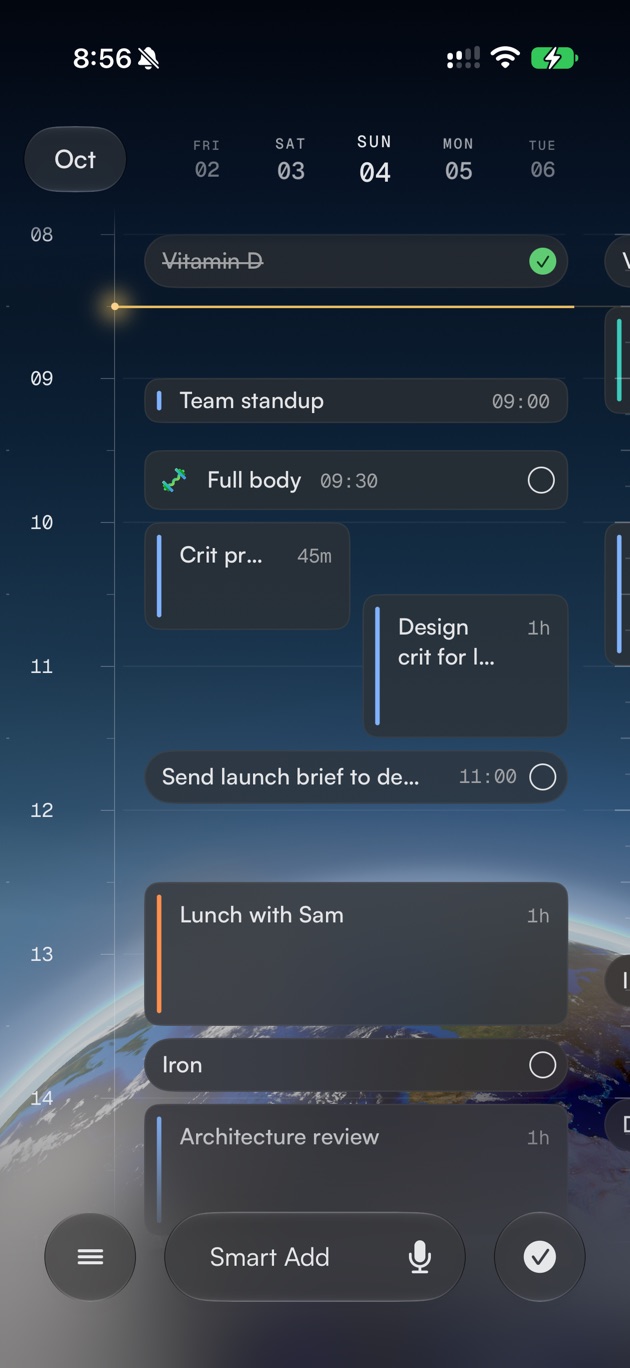
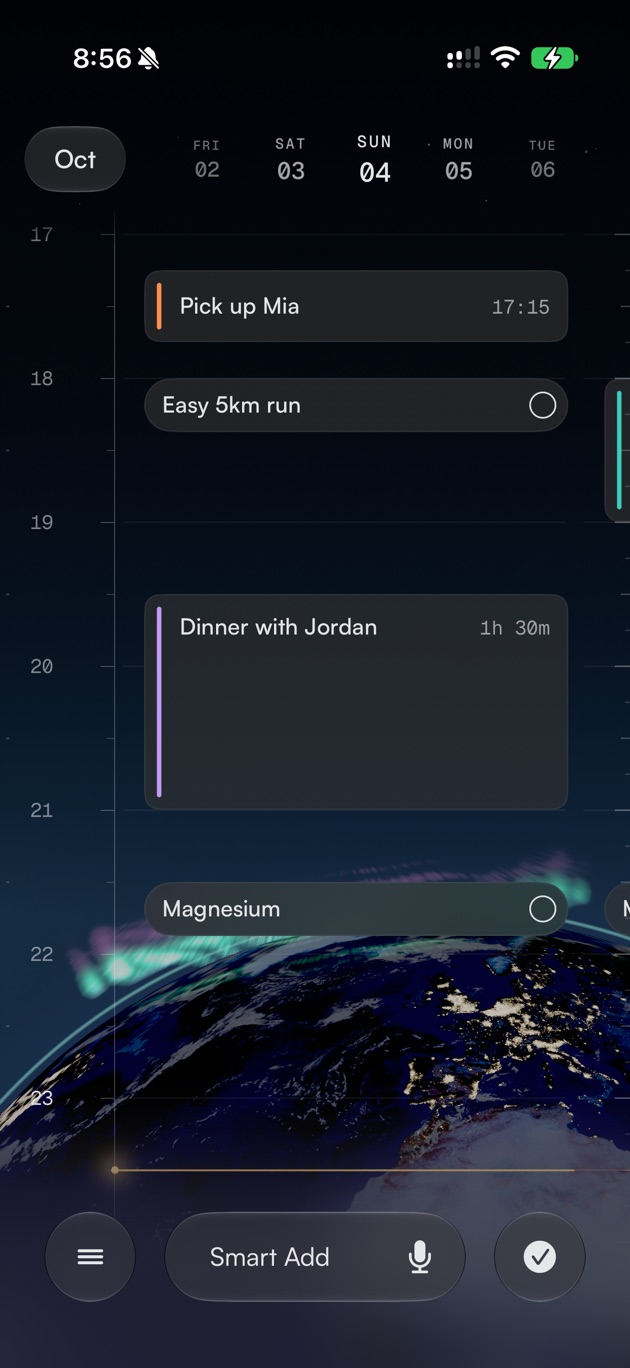

Day, 5-Day, and Week
Change the range without changing your plans.
Rivet starts with the schedule you already have, then puts every new plan on the same visual timeline.
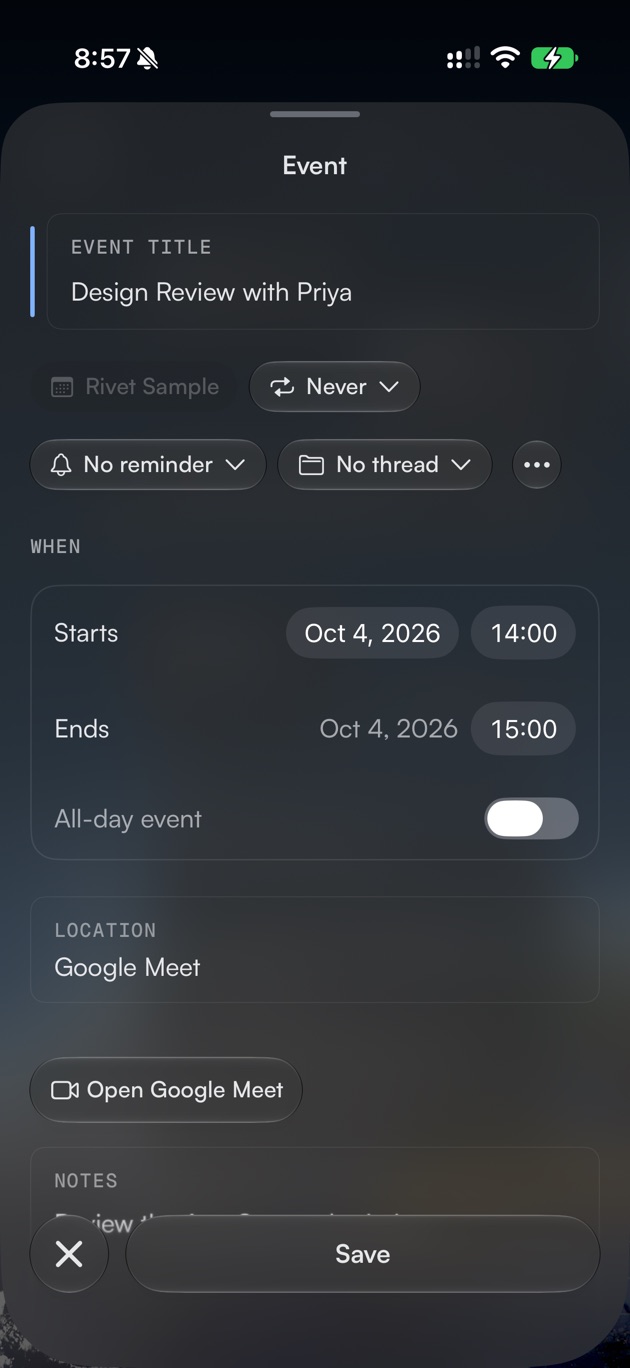
Rivet shows the events you already have.
Type or speak normally and review the details before saving.
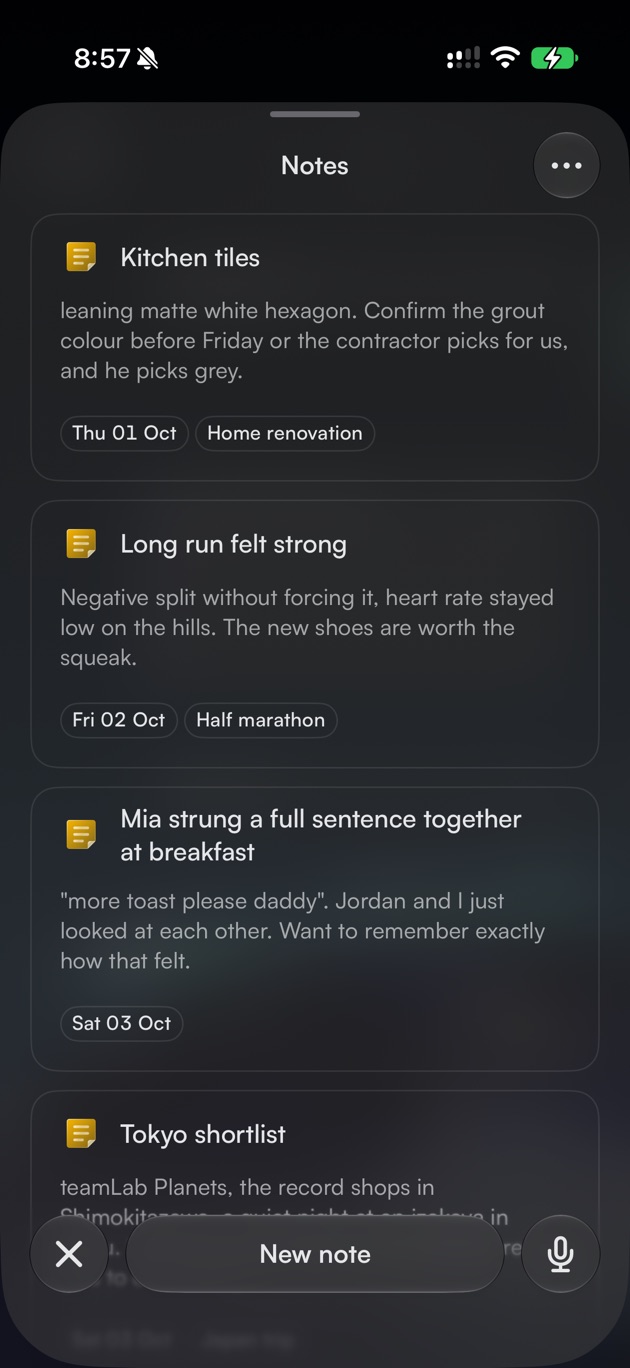
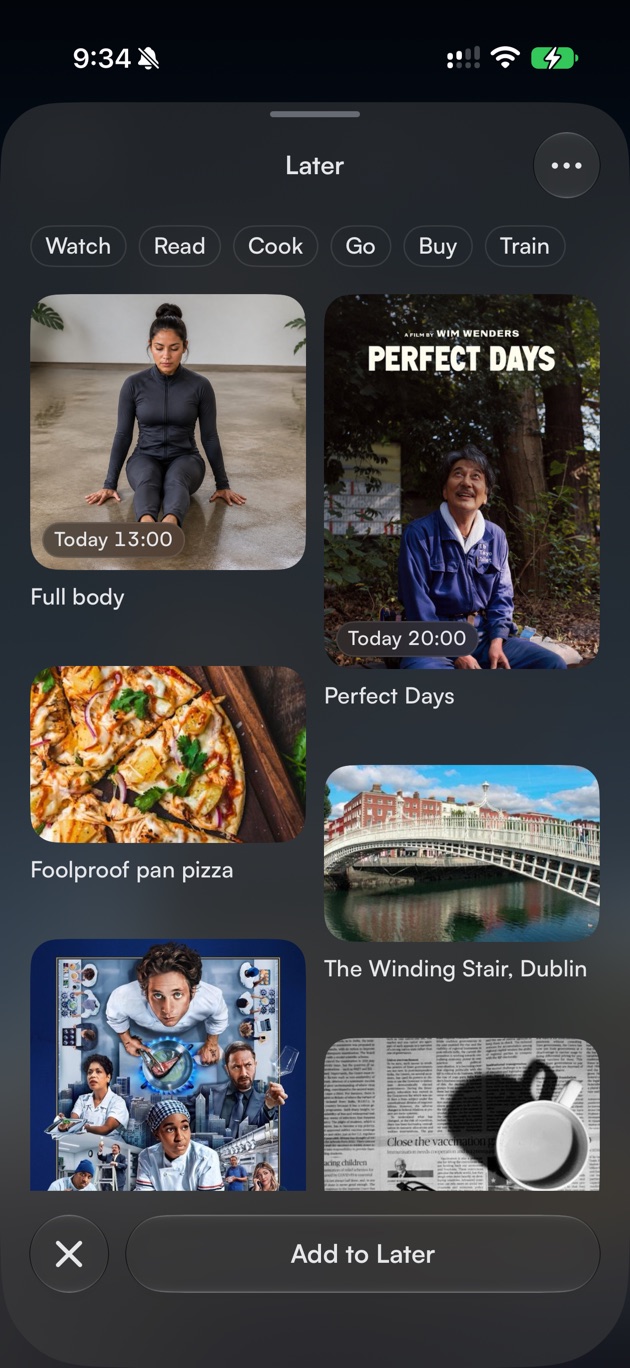
Events, to-dos, notes, and connected activity appear in time order.
Stay close to today, look across the week, or review the activity Rivet has brought together.
Change the range without changing your plans.
Move across days quickly and open the date you need.
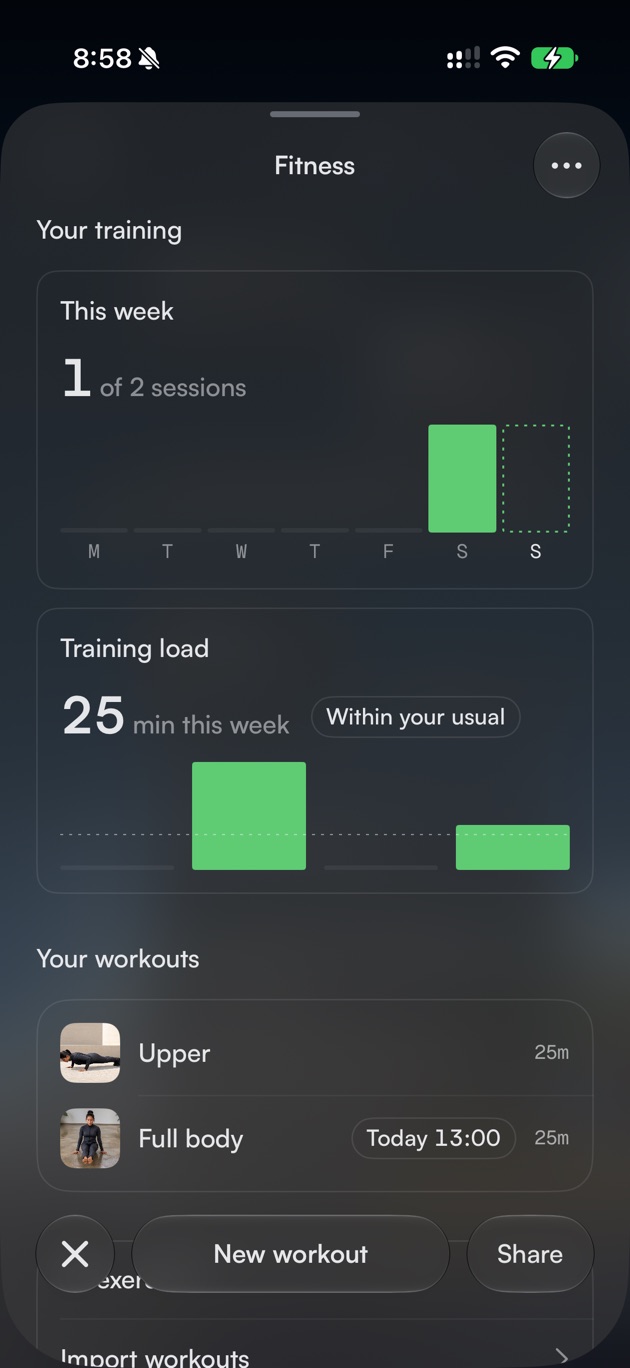
See listening, health, and viewing patterns without another dashboard.
Connect Apple Calendar, Reminders, Health, Music, Google Calendar, or Trakt only when you want them on your timeline.
The Rivet app contains no ads or analytics SDKs. Optional website analytics loads only after you allow it, and Rivet does not sell your data.
Plan your day for free. Pro adds repeating plans, timed reminders, Google Calendar, and automatic summaries.
Free includes the timeline, Apple Calendar and Reminders, notes, to-dos, and on-device capture.
More automation when your plans need it.
$44.99Yearly
7-day free trial
View Rivet Pro in the App StoreAlso available for $4.99 monthly. Lifetime options are listed in the App Store.
US pricing shown. Trial available to eligible new subscribers.
Rivet is a visual day planner for iPhone, iPad, and Mac that shows Apple Calendar events, to-dos, notes, and connected activity in one chronological timeline.
The free version includes your timeline, Apple Calendar, Apple Reminders import and export, notes, to-dos, and on-device capture.
No. Keep using your existing calendar. Rivet shows those events beside the to-dos, notes, and activity you add in Rivet.
Rivet Pro adds recurring to-dos, timed reminders, Google Calendar and Meet, and automatic activity summaries.
You choose which apps and services to connect, and Rivet asks before using them. The app has no ads or analytics SDKs. This website uses Google Analytics only after you allow it.
Rivet requires iOS 26 or later on iPhone, iPadOS 26 or later on iPad, or macOS 26 or later on Mac.