Your whole day
Read your day from top to bottom, with every event and to-do at its own time.

Rivet on your Mac shows everything from your iPhone on a bigger screen, with your day, your week and your month.
See your day See the features
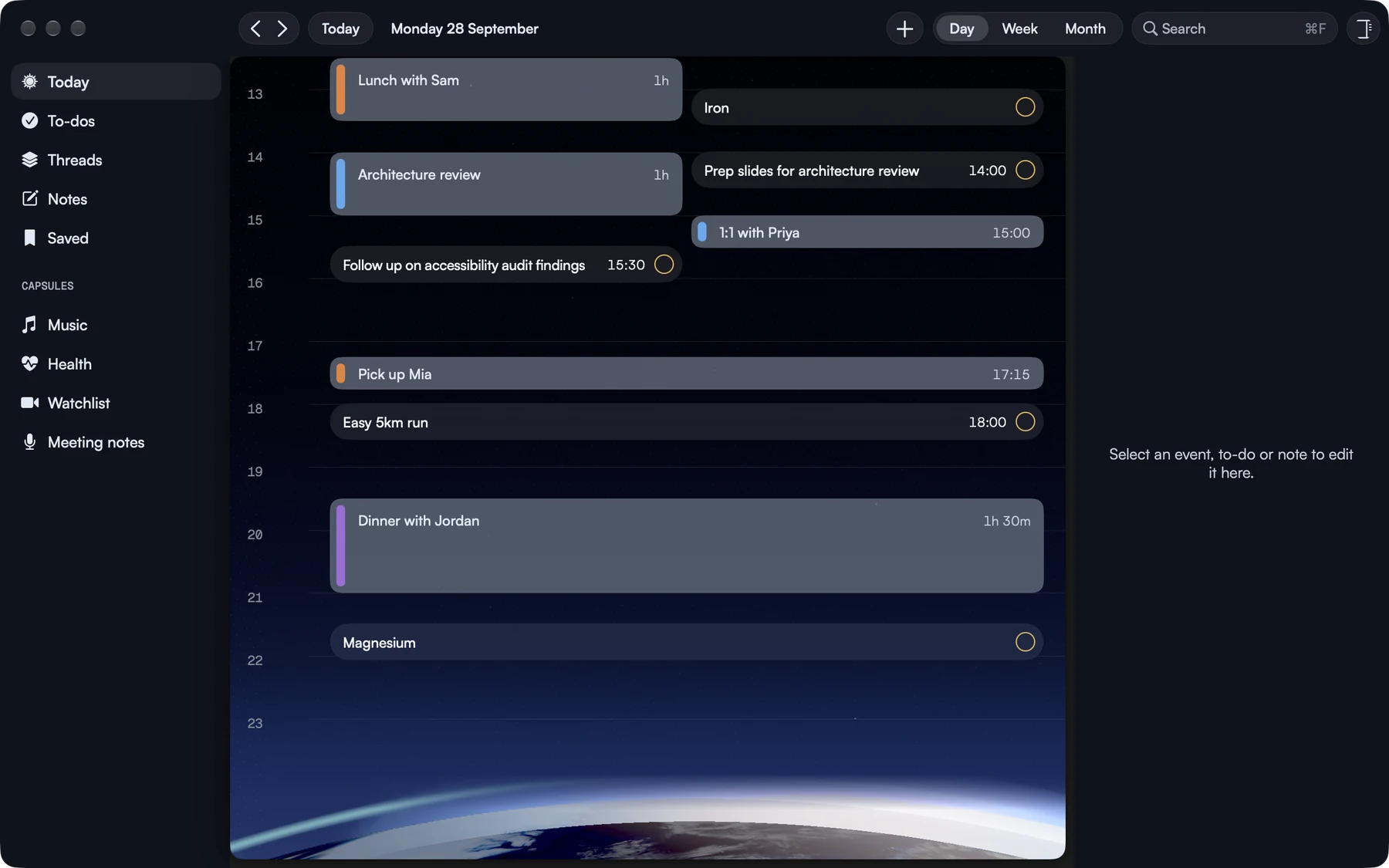

On your Mac you can see your whole day at once. Your calendar and your to-dos are in the same view, so you can see the free time between your plans as easily as the plans.
The sidebar takes you to Today, To-dos, Threads, Notes and Saved. Open anything to see more, and your day stays right there beside it.
Read your day from top to bottom, with every event and to-do at its own time.
You can see the gaps in your calendar and decide what to put in them.
Open an event, a to-do or a note and the rest of your day stays beside it.
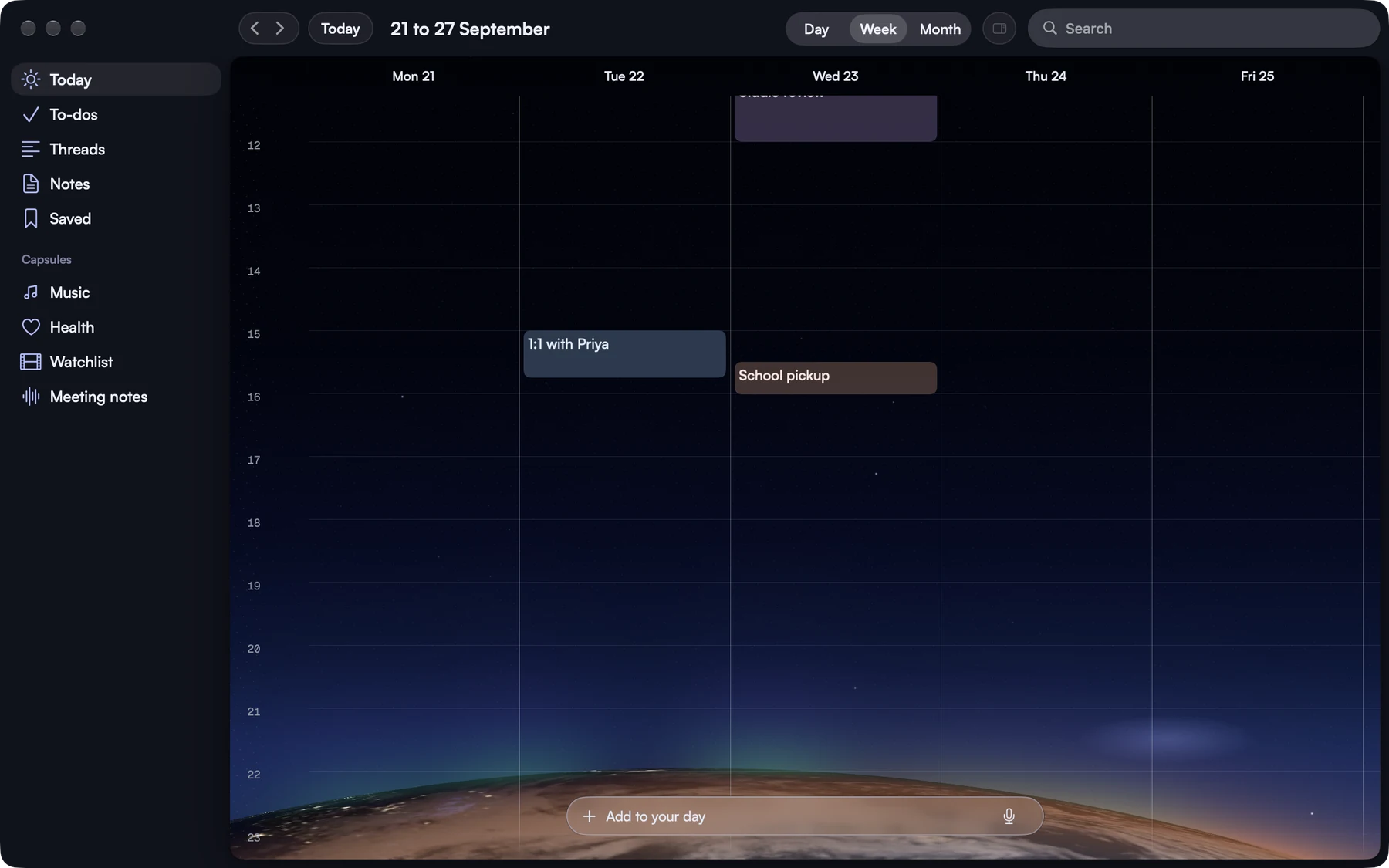
Switch between Day, Week and Month from the toolbar. Week shows your days side by side, so you can see a busy afternoon or a free morning before you say yes to anything.
You can go to any date, and one click will bring you back to today.
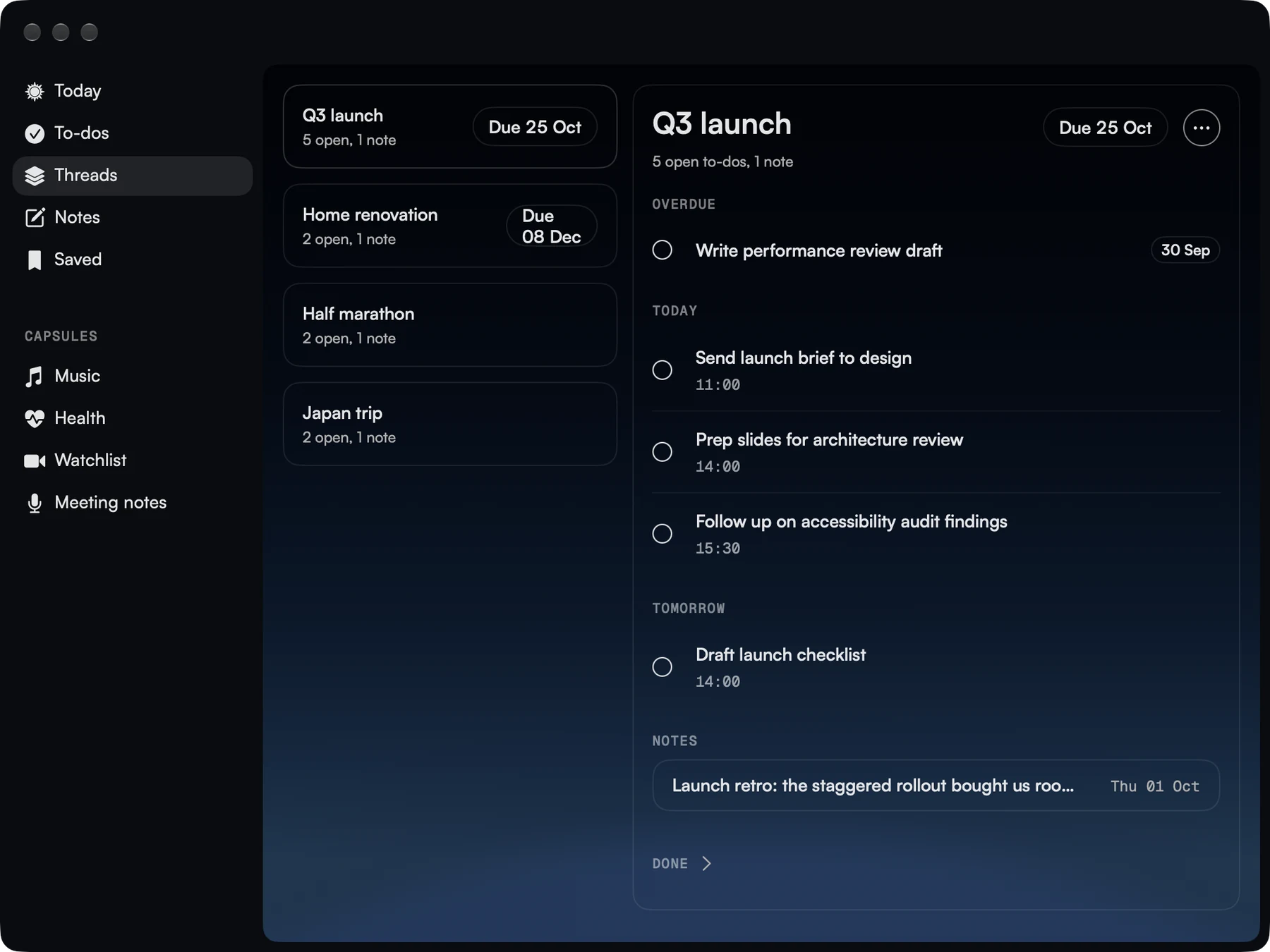
A thread gathers the to-dos and notes for one thing you're working on, like a trip or a launch. Open it and you'll see what's coming up, what's overdue and your notes, side by side.
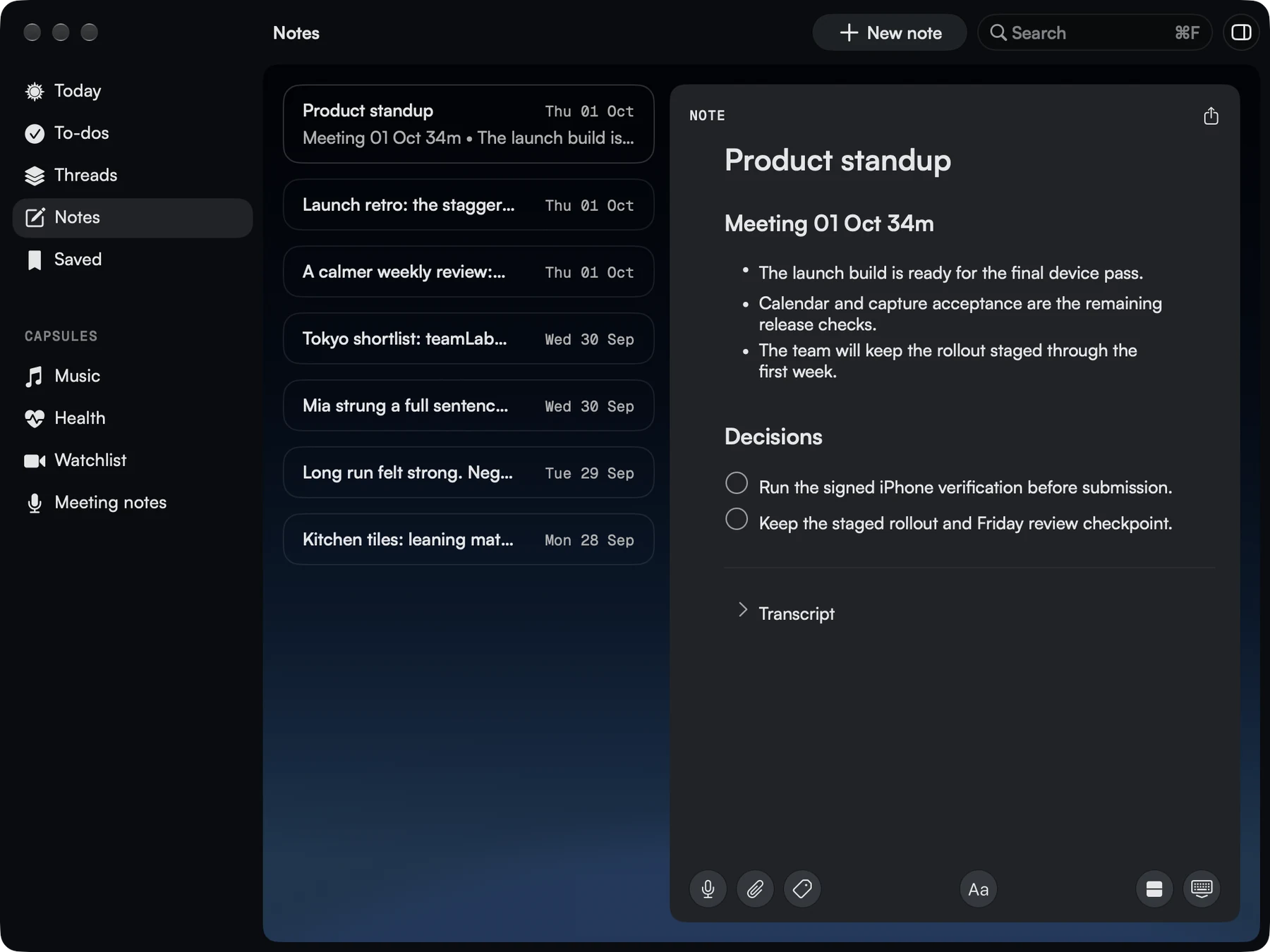
Your notes are in a list on one side, and you write on the other. Your meeting notes, your own thoughts and the details of a project all have room, and every note stays with the day it's about.
You can add checklists and attachments to a note too.
Rivet on your Mac works the way your other Mac apps do.
Press ⌘F, or use the toolbar, to find an event, a to-do or a note.
Go between your day, your to-dos, your threads, your notes and the things you've saved.
Everything syncs through your own iCloud, so the plans you made on your iPhone will be waiting on your Mac.
One purchase covers your iPhone and your Mac.